

Google just pushed Android 17 to Pixel phones, and this one is a big deal. It is one of the most packed Android updates of 2026, and it comes with the June 2026 Pixel Feature Drop on the same day. That means new multitasking tools, creator features, stronger security, and early groundwork for Gemini AI, all landing at once.
What makes Android 17 different from other releases is simple. It is not about making your phone look different. It is about making it work better for you every single day. Whether you are switching between apps, recording content, or just trying to get things done faster, this update is built around real everyday use.
Android 17 Rollout Begins for Pixel Phones
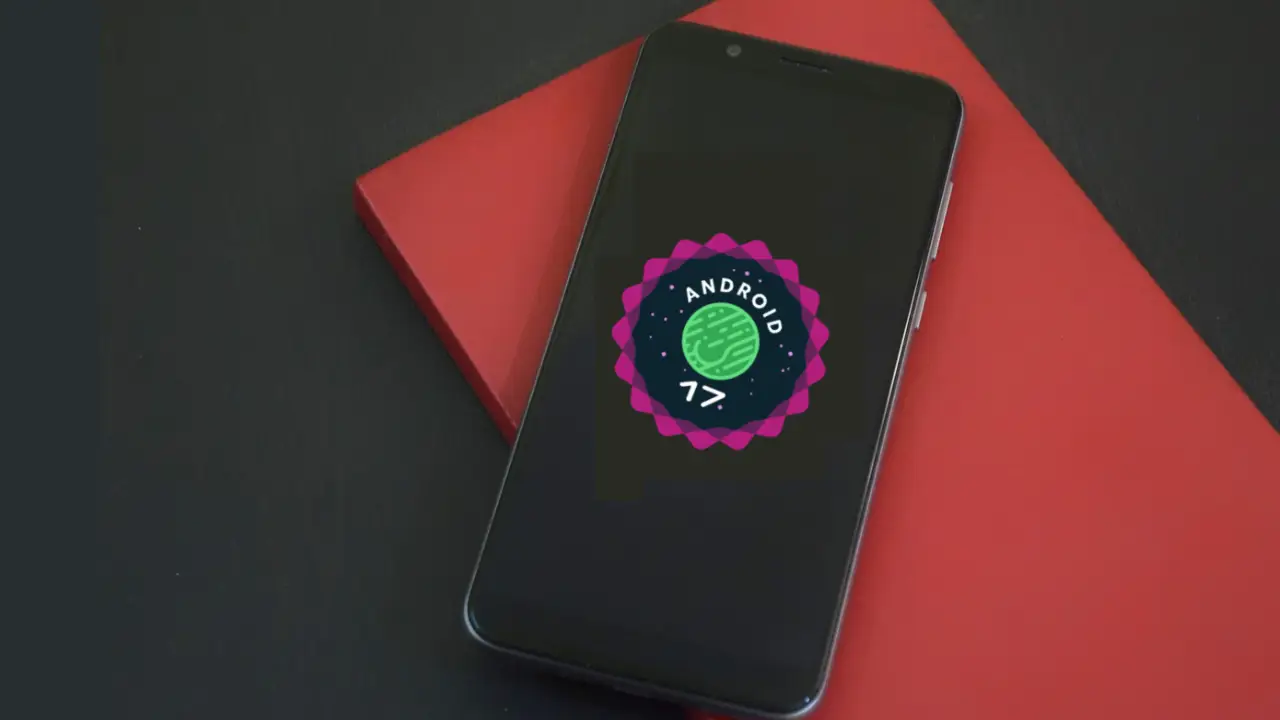
Android 17 is now available for supported Pixel devices. The rollout arrives together with Google’s June 2026 security update and Pixel Feature Drop package.
According to Google’s release notes, the update includes dozens of bug fixes and stability improvements covering apps, audio, camera performance, connectivity, display behavior, and overall system reliability. Google has also addressed 38 Pixel-specific issues as part of this release.
Supported devices include:
- Pixel 6, Pixel 6 Pro, and Pixel 6a
- Pixel 7, Pixel 7 Pro, and Pixel 7a
- Pixel Fold
- Pixel Tablet
- Pixel 8, Pixel 8 Pro, and Pixel 8a
- Pixel 9 Series
- Pixel 10 Series
That covers a lot of phones. If your Pixel is from 2021 or later, you are getting Android 17 without buying anything new.
What’s New in Android 17?
Bubbles Bring Better Multitasking
One of Android 17’s standout additions is Bubbles. The feature lets you keep apps open on screen in floating windows while you keep doing what you were doing. Your chats and tasks do not disappear; they just sit quietly in a bubble until you need them.
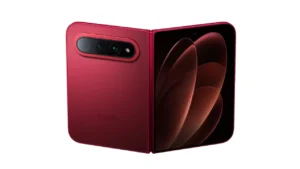
Foldable and tablet users will feel this the most since the display gives each app its own space.
Screen Reactions Makes Content Creation Easier
Google introduced Screen Reactions for creators, teachers, and gamers who want to record smarter. The idea is simple. Your screen records while your front camera captures your face at the same time.
That used to mean downloading extra tools and editing things together afterward. Now the whole process happens right from your phone without any of that extra work.
Improved Gaming for Foldable Devices
Foldable phones continue to get extra attention, and gaming is a big part of that this time around. Android 17 brings improved gaming controls and lets you remap controller buttons natively on the device.
The result is games that work better on large displays and a setup that feels more personal to how you like to play.
Stronger Security and Privacy Protections
Security was clearly a priority for Google when building Android 17. The June 2026 update closes multiple vulnerabilities and strengthens privacy controls, anti-theft features, parental safety tools, and overall device security at the same time.
That matters for pretty much everyone, whether you use your Pixel for work, school, or just personal stuff. None of these changes show up as a new button or setting you can tap, but they are quietly some of the biggest improvements in this release.
Pixel Exclusive Features Included in the June Feature Drop
In addition to Android 17, Google is delivering several Pixel-exclusive upgrades through its June 2026 Feature Drop.
Highlights include:
- Quick Share with expanded AirDrop support on Pixel 8a and 9a
- Voice Translate for phone calls on Pixel 10 only
- Phone app enhancements
- Take a Message on all Pixel 6+ except India (India: Pixel 10 only)
- Google Photos editing upgrades
- New productivity features
- Improved communication tools
Google continues to use Pixel Drops as a way to extend device capabilities long after launch, helping Pixel phones stay competitive throughout their lifespan.
Gemini AI Takes a Bigger Role
Artificial intelligence continues to become a larger part of Google’s software strategy. While many advanced Gemini Intelligence capabilities will roll out to supported Pixel devices later this summer, Android 17 establishes the foundation for future AI-powered experiences.
Google has previewed several upcoming capabilities, including:
- AI-powered widgets
- Task automation
- Smarter assistant interactions
- Productivity-focused workflows
Although these features are not fully available in the initial rollout, Android 17 prepares Pixel devices for Google’s next generation of AI experiences.
Why This Update Matters
Android 17 stands out because Google focused on making the phone work better, not just look different.
Key benefits include:
- Better multitasking
- Easier content creation
- Enhanced foldable support
- Improved privacy protections
- Expanded Pixel-exclusive experiences
- Future Gemini AI readiness
All of these changes show up in real everyday use, not just in a spec sheet. That is what makes Android 17 one of the most genuinely useful Android updates Google has put out in years.
Should You Install Android 17 Immediately?
For most Pixel users, the answer is yes, go ahead and update. You get new features, bug fixes, security patches, and performance improvements all in one install.
Google also resolved a good number of known issues through the June update, so your phone should feel more stable and secure once it is done.
To check for the update:
- Open Settings
- Tap System
- Select System Update
- Check for available updates
- Download and install Android 17
The Bigger Picture Behind Android 17
Android 17 tells a clear story about what Google cares about right now. Productivity, creator tools, AI, and security took priority over visual changes. Bubbles and Screen Reactions tackle real daily problems.
Gemini Intelligence hints at an Android that handles more without being asked. For Pixel owners, that is a useful update today with something even more capable already in the works.
Final Thoughts
Google’s Android 17 rollout brings real improvements to productivity, security, multitasking, and AI, all in one update. Add the June 2026 Pixel Feature Drop on top of that, and Pixel users are walking away with a phone that feels noticeably more capable and reliable. Google did not change things just to say it did.
Every feature in this update, from multitasking tools to creator features to the groundwork being laid for Gemini AI, serves a purpose people will actually feel in daily use. Android 17 moves the Pixel ecosystem forward in a way that matters.