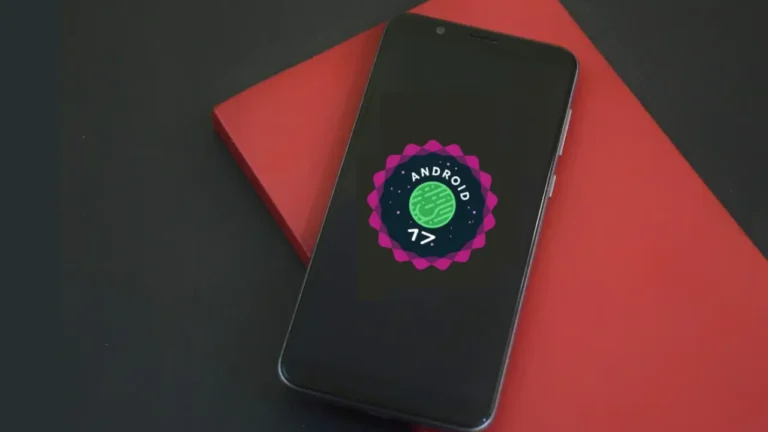

Samsung is rolling out the One UI 8 beta to more Galaxy phones beyond the S25 Ultra, letting more users try Android 16 early. The company is opening Android 16 testing to more devices, including the Galaxy S23, A35, A54, and A55.
This move gives a wider group of users an early look at the new features before the stable release. And if you’re still on One UI 6, the jump to this latest version will feel like a serious upgrade.
Additional Galaxy phones can now join Samsung’s beta program. Up to this point, One UI 8 was preinstalled only on Samsung’s newest foldables, the Galaxy Z Flip 6 and Galaxy Z Fold 6. The beta is now open for the Galaxy S23 series, several A-series models, and other foldable devices.
Find Out Which Galaxy Devices Are Part of the One UI 8 Beta
Now comes the big reveal for Galaxy users, the official list of One UI 8 beta eligible devices.
Now in beta:
- Galaxy S23
- Galaxy S23 Plus
- Galaxy S23 Ultra
- Galaxy A36
- Galaxy A35
- Galaxy A55
- Galaxy A54
Coming soon:
- Galaxy Z Fold 5
- Galaxy Z Flip 5
The update is being released for both high-end flagship and mid-range Galaxy phones. Samsung isn’t just focusing on high-end models, they also want regular Galaxy users to have a chance to try One UI 8 early.
Key Features and Updates in Samsung One UI 8
This update goes beyond visuals, focusing on a faster and smarter experience. Highlights include:
Now Bar and Now Brief: A smarter way to surface reminders and alerts, giving you updates at the right moment without extra noise.
Faster Sharing: The latest update makes Quick Share more dependable and noticeably faster.
Redesigned Apps: The Gallery, Calendar, and Reminders now open more quickly and have a cleaner, simpler layout that’s easy to use.
Better Multitasking: Split-screen and pop-up views on the S23 Ultra and A55 now run more smoothly.
With these changes, One UI 8 performs more smoothly and keeps pace with Android 16.
What to Keep in Mind Before Installing One UI 8
Should you install it right away? That depends. Some users have reported that some specific settings of Do Not Disturb feature resets and the app occasionally crashes.
So if your phone is your daily driver, you should hold off until the stable rollout. But, if you enjoy trying out new features early, the Samsung One UI 8 update is worth exploring.
Getting Started with Samsung One UI 8 Beta
Signing up is simple:
- Access the Samsung Members app on your Galaxy phone.
- Look for the One UI Beta Program banner.
- Register with your Samsung account.
- Once approved, install the update when the notification arrives.
Pro Tip: Always back up your data first. Betas can be unpredictable.
Why Does the One UI 8 Beta Rollout Really Matter?
The Galaxy A54 and A55 are now part of Samsung’s One UI 8 beta program. This means that they can confirm the code works no differently on flagship devices or midrange devices.
Beta testing allows people to test for new features, test for issues, and provide feedback that can help them work out problems and improve the final update.
Wrap Up
If you’ve been waiting since One UI 6, this is a major upgrade. One UI 8 beta is here with smarter multitasking, cleaner apps, and productivity tools across Galaxy phones. It may not be perfect, but it’s fun to try out before everyone else gets it.
So, navigate to your Samsung Members app, if your device is eligible, and see what’s next for Galaxy. Your phone will soon feel a lot smarter.