
The iOS 26 public beta is here, and everyone is excited to try it. Not because it’s some routine update, but because Apple went big this time. A bold new design, powerful AI, and features that feel built for real life.
Curious why everyone is talking about it? I’ll tell you exactly what’s new, which iPhones can handle it, and why it’s honestly worth checking out for yourself.
iOS 26 Public Beta Release Date
Apple finally dropped the iOS 26 public beta on July 23, 2025, after testing it with developers for weeks. Just like every year, Apple gives the beta in July and the full iOS 26 update in September with the iPhone 17. This early version lets Apple gather feedback, fix bugs, and fine-tune everything before the full rollout.
1. iOS Liquid Glass
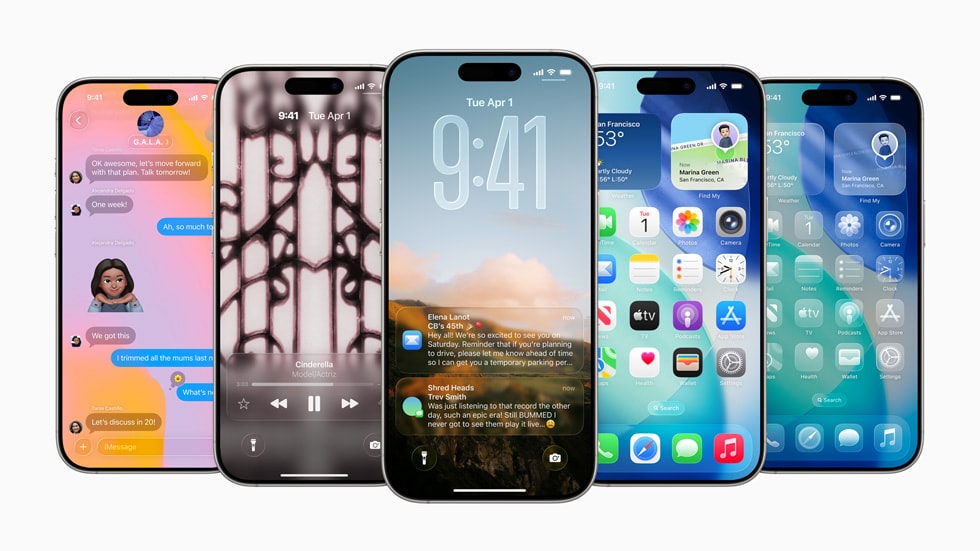
The iOS 26 public beta introduces a new feature called Liquid Glass. It’s a clean, soft, see-through look with smooth colors, and flowing animations. It’s the biggest design update we’ve seen from Apple since iOS 7. iPhone’s Liquid Glass support starts from iPhone 11 and up.
Older models like XR or XS miss the full effect. If you’re aiming for the full iOS 26 experience, the iPhone 16 Pro Max is the one to watch.
2. Powerful Apple Intelligence and Siri
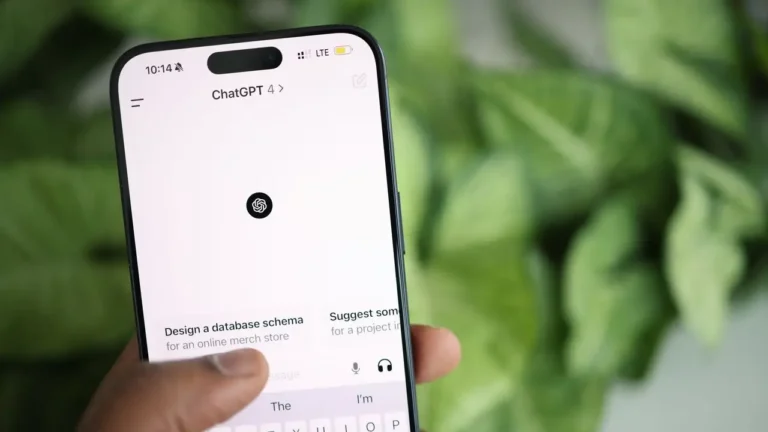
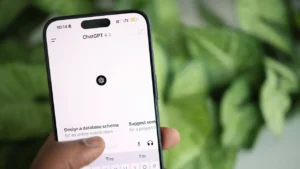
Apple Intelligence is the new built-in AI on your iPhone launched with iPhone 16, and it’s a serious upgrade. Siri sounds more natural now. Apple Intelligence understands what’s on your screen, translates instantly, and even connects with ChatGPT to give smarter suggestions and faster help across your phone.
3. Enhanced Messages and Phone Apps
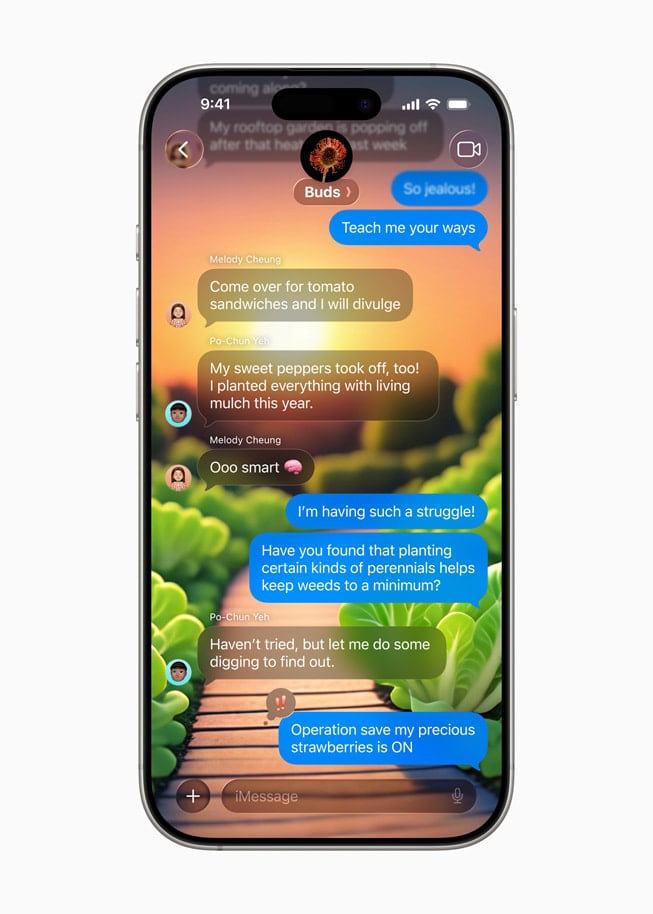
Messaging on iOS 26 is a lot more fun. You can customise chats with backgrounds, react using emojis or stickers, schedule messages, and try out new animated effects.
The Phone app is simpler now with everything in one view, and call tools make life easier.
4. All-New Passwords App
Security has got a big upgrade with the new Passwords app. It’s built right into iOS 26 public beta and lets you keep all your logins, Wi-Fi details, passkeys, and even shared passwords safe and in one easy-to-access spot.
5. Accessibility and Game Mode
Accessibility features now include eye tracking, simple motion cues, and voice shortcuts to make your phone easier to use.
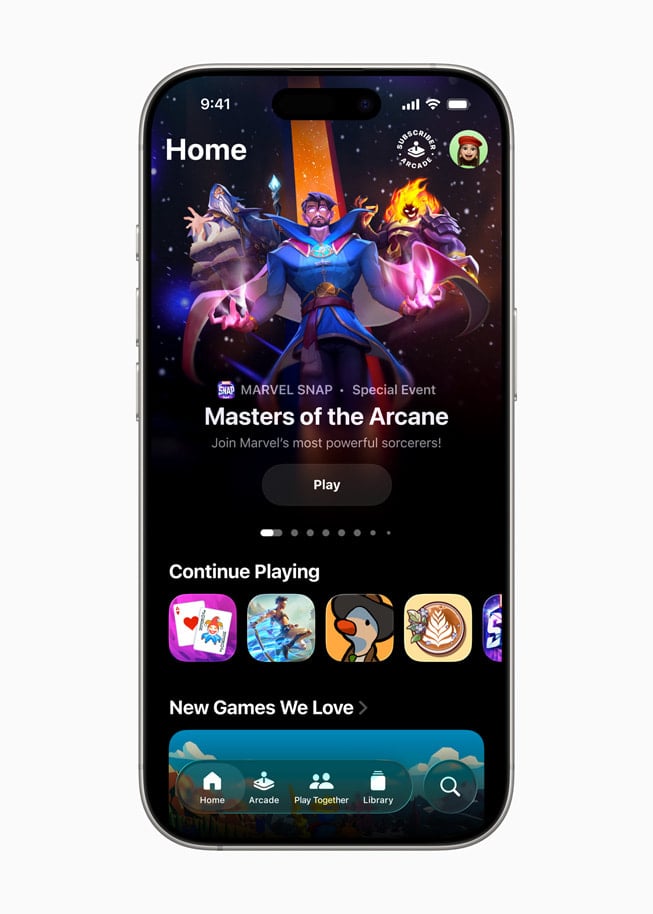
Game Mode makes gaming better by reducing delay and helping your controllers and accessories work faster and more smoothly while you play.
6. Genmoji and Image Playground
iOS 26 lets you create Genmoji by just typing what you want. Describe it and watch it turn into a custom emoji.
You also get Image Playground to make AI images in styles like comic or watercolor. Fun to use and easy to share anywhere.
7. Notification Summaries
Apple Intelligence makes notifications smarter by giving you short summaries instead of long alerts. It’s a small change, but it cleans up your lock screen and keeps distractions down.
iOS 26 Supported Devices
| Device Model | iOS 26 Support | Liquid Glass & Core Features | Apple Intelligence (All features) |
|---|---|---|---|
| iPhone 11 to 14 Series | Yes | Yes | No |
| iPhone 15, 15 Plus | Yes | Yes | Partial |
| iPhone 15 Pro / Pro Max | Yes | Yes | Full |
| iPhone 16 Series (incl. iPhone 16 Pro Max) | Yes | Yes | Full |
| Older (XS / XR & earlier) | No | – | – |
How to Get the iOS 26 Public Beta?
If you want to join the Apple iOS 26 beta rollout, here’s what you do. Sign up for the Apple Beta Software Program, register your device, then head to Settings and turn on beta updates. One tip, though, beta versions can be a bit unstable, so it’s smarter to try it on a backup iPhone if you have one.
Wrap Up
Experience the future of the iPhone today with the iOS 26 public beta. From the stunning Liquid Glass interface to major leaps in intelligence and productivity, this update changes everything.
Got a supported iPhone? Then don’t wait. The iOS 26 release date is still a little way off, and this is your chance to get in early, test the new features, and be part of shaping what everyone else gets later.