
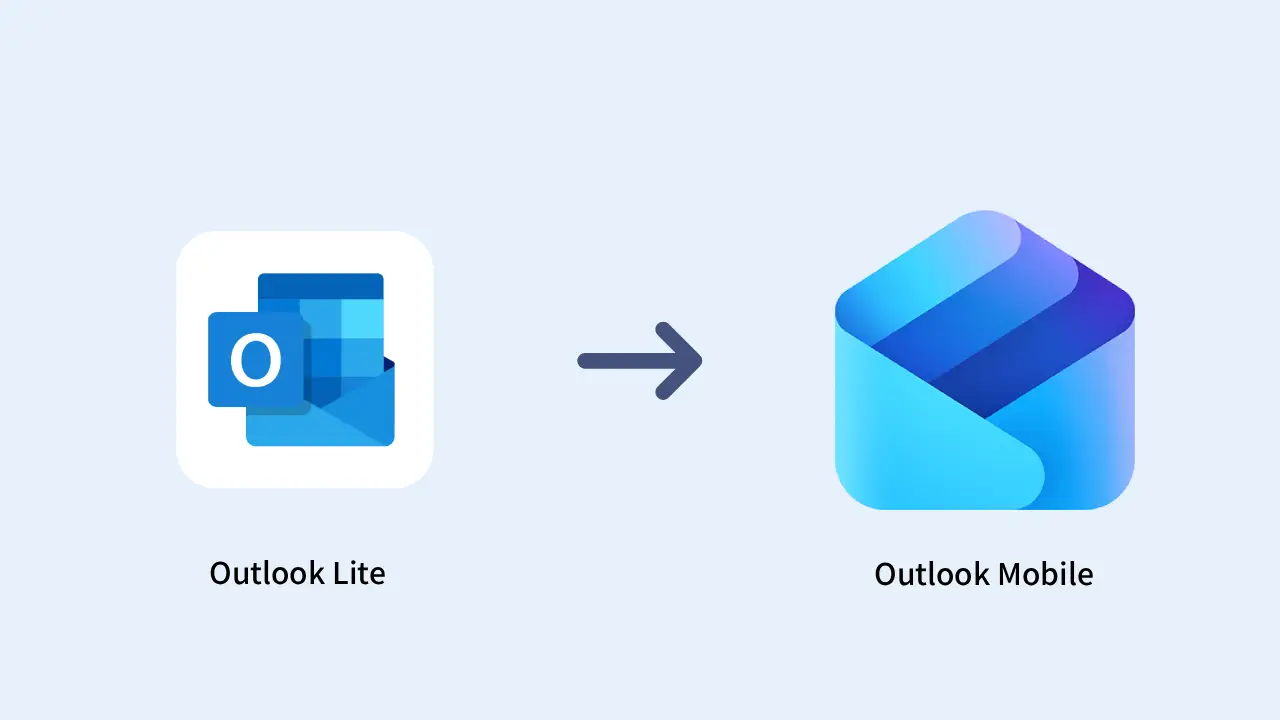
Microsoft has confirmed a clear move. The company will retire Outlook Lite for Android on May 25, 2026, which was launched in August 2022 for lightweight mobile devices. If you still rely on this lightweight email app, your daily workflow is about to change in a real way.
This is not a minor update. It is a full shutdown of functionality. Let’s break it down.
What Is Happening to Outlook Lite?
Microsoft has set a final deadline. After May 25, 2026, Outlook Lite will no longer have access to mailboxes. That includes emails, calendar data, and attachments. The app might still be open on your phone, but it will not work.
Key points:
- You won’t be able to access your emails
- The calendar and attachments won’t load
- The app may still open, but it won’t function at all
This is the final step before full retirement of the app. Microsoft already stopped allowing new downloads on October 6, 2025, so this has been planned for a while.
Why Is Microsoft Retiring Outlook Lite?
Microsoft is closing Outlook Lite to focus on improving its main app, Outlook Mobile.
Here’s what that means:
- Instead of maintaining two similar apps, Microsoft will focus on just one
- Microsoft says this change will improve security for everyone
- It is reducing overlap between two apps serving the same purpose
- This makes the app easier to update, fix, and improve
- All users will get the same features in one place, including newer tools like AI (Copilot)
- It also helps Outlook work better with Microsoft 365 and other cloud services
In short, Microsoft is simplifying things by putting all its effort into one better app instead of splitting resources across two.
Where Outlook Lite Fits in Everyday Use
Outlook Lite was designed for people using simpler or older Android phones. It worked best on:
- Devices with lower performance
- Phones with limited storage
- Slower internet connections
The app was lightweight and focused only on basic email tasks, making it fast and easy to use. This mattered in regions where affordable smartphones dominate.
Now, with the shift to the full Outlook Mobile app, users move to a more feature-heavy experience. It may use more storage, data, and processing power depending on your device.
What You Need to Do Next
Microsoft is asking all users to switch to Outlook Mobile. Here’s how to do it:
- Open Outlook Lite and follow the upgrade instructions
- Or download and install Outlook Mobile from the Play Store
- Sign in with your existing account
Your data remains safe. All your emails, calendar entries, and attachments live safely on Microsoft servers. They’ll sync automatically the moment you log in to Outlook Mobile. No manual backup required.
What Changes After You Switch
When you move to Outlook Mobile, the app will feel more advanced and feature-rich.
What you gain:
- Access to all Outlook features
- Better integration with Microsoft 365
- Regular updates and improvements for a better experience
What changes:
- Uses more storage on your phone
- May require more processing power
- Has a more complex interface
In short, it’s a more powerful app, but less simple than Outlook Lite.
Outlook Lite vs Outlook Mobile: What Sets Them Apart
Outlook Lite was built to keep things simple, whereas Outlook Mobile provides a full set of tools for writing, sending, receiving, and managing emails, along with productivity features. Here is the difference in practical terms:
Outlook Lite focused on:
- Small app size
- Low data usage
- Basic email functionality
Outlook Mobile focuses on:
- Full feature access
- Integration with Microsoft 365
- A consistent experience across devices
The company decided to go for a single app rather than keep two versions. Although it creates some consistency, it also eliminates one of its lighter options that users used to rely on.
Why This Matters
This change shows that companies now prefer a single app over multiple versions. This feature improves stability and reduces maintenance efforts, but restricts the flexibility that can be offered to the user.
For people with older phones, this can be a downside. Outlook Lite was designed for devices with low storage and slower internet, so removing it means losing a simpler, lighter option.
Is This Move Practical Today?
From Microsoft’s point of view, this decision makes sense:
- Fewer apps to maintain
- A more consistent experience for users
- Better long-term scalability
For users, it depends on your device:
- If your phone can run modern applications smoothly, the switch should be easy
- If you have an older, entry-level device, the experience might feel heavier
This isn’t about right or wrong; it reflects a shift toward focusing on one main app instead of multiple versions.
Wrap Up
Microsoft will stop Outlook Lite on May 25, 2026. After that, you won’t be able to check emails or calendars in the app.
Microsoft is moving users to one Outlook Mobile app. This change brings all features into one place and ends the need for a lighter version.
To continue using your account:
- Install Outlook Mobile from the Play Store.
- Sign in with your Microsoft account.
- Let your data sync automatically.
Your emails and calendar are safe because they are stored in your account, not the app. If you’re on Outlook Lite, switch early to prevent problems and make the change simple.