

Google announced on August 14, 2026, that creators can now turn off the visible watermark on AI-generated images, videos, and songs made in Gemini and Flow, Google’s AI video creation tool. Search will get this option soon too.
Before anyone gets too excited, there’s something worth understanding. Google isn’t removing the underlying AI-content identification and provenance signals. It’s only letting you hide the part you can see. Two things still stay in place behind the scenes.
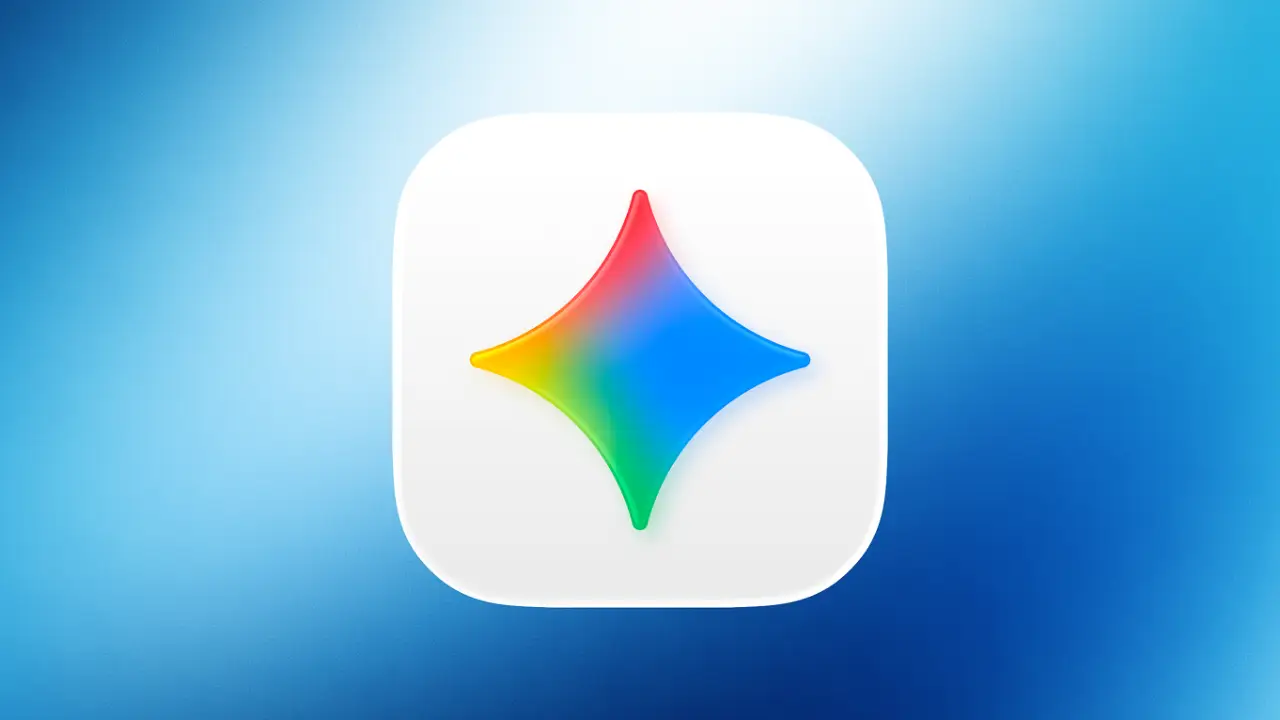
One is SynthID, an invisible watermark. The other is C2PA data, which provides provenance information about how the file was created or modified. Only the small sparkle logo in the corner goes away, and only if you choose to turn it off.
This is great news if you’ve ever had to explain to a client why their finished picture had a company logo stamped on it. But it also means something else. The old trick of just looking for a logo to spot AI content won’t work as well anymore.
How to Turn Off the Visible AI Watermark in Gemini
Once it reaches your account, you’ll find the toggle under Settings > Media Watermark inside Gemini or Flow. The setting applies to content made with Google’s Nano Banana, Omni, and Lyria models.
Turn it off, and the sparkle disappears. Turn it back on, and it returns. The change only affects the visible watermark. The underlying SynthID watermark and C2PA metadata remain in place.
Since Google’s doing this gradually, it might not land on your account immediately, and Search will follow with its own version once its turn comes. There’s one more legal thing worth knowing too. In places where visible AI watermarks are legally required, the option won’t be offered.
How Does Google Still Identify AI-Generated Content?
Two things, and they work differently from each other.
SynthID is a watermark you can’t see or hear. Google embeds it into supported AI-generated content, and it’s designed to remain detectable after common changes like:
- Resizing
- Recoloring
- Compression
- Other edits
Google dropped some stats in May 2026. SynthID was already sitting at over 100 billion images and videos watermarked, plus roughly 60,000 years of audio. On top of that, Gemini’s verification tool had crossed 50 million uses.
C2PA doesn’t work like SynthID at all. There’s nothing hidden in the pixels here. It’s basically a paper trail, tracking where content came from and what edits it went through. Google partnered with Adobe, Microsoft, and other companies on the larger C2PA ecosystem.
So where do these two actually split apart?
- SynthID helps identify content generated or modified by supported Google AI systems.
- C2PA provides provenance information about the content and its history.
There’s no competition between them. Google just lets both do their thing quietly in the background, toggle setting or not.
Why Is Google Making AI Watermarks Optional?
Let’s talk about that visible watermark for a second. Say you post something just for fun on social media. In that case, the watermark’s fine. People should know AI made it.
Serious work is a different story, though. Take a filmmaker who has to show a test shot to the boss before the real movie gets made. A logo stuck in the corner? That’s the last thing they need. It just makes the shot look half-finished, right when it needs to land.
Same headache for a singer. They send a rough song to a friend, just wanting an honest reaction. But that watermark gets in the way, it stops the friend from hearing the song the way it’s actually meant to sound.
In all these cases, the logo does not help. It just makes good work look sloppy or half done. Google says this change is about giving people more control over how their work looks. But they still keep a way to check things later if needed. So now you get to choose whether the logo shows or not. What happens behind the scenes stays the same.
And here is the honest truth. People were already removing that watermark by hand before this update. Google just made it official and much easier for everyone.
What Is Credentio and Why Does It Matter?
Google also open-sourced Credentio, a C++ library designed to help developers work with C2PA credentials locally. That matters mainly to developers building applications that handle large amounts of digital media.
Instead of relying entirely on a remote service to inspect credentials, developers can use the library within their own applications to perform C2PA-related checks locally.
For software that needs to process or verify lots of media, this can make provenance checks easier to integrate into existing workflows.
What Does Google’s Watermark Change Mean for Creators?
For creators, this really comes down to one thing: you get more say in how your work looks once it’s out there. Client presentations, campaign drafts, concept images, test footage, demo tracks, all of it can go out clean now, without the visible sparkle watermark when the setting is turned off.
At the same time, supported content can still carry invisible or machine-readable signals that provide ways to verify its origin.
But if you’re just looking at something someone else made with AI, this changes things a bit. You can’t just look at a picture anymore and know right away if AI made it. If they turned the watermark off, you’d have to check hidden signals or pull up Content Credentials to find out for sure.
That makes tools such as SynthID detection and C2PA verification more important.
Wrap Up
Nothing actually disappeared here. It just went invisible.
Google has made the visible AI watermark optional while keeping SynthID and C2PA in place for supported content. That means creators can share cleaner-looking work without giving up the underlying signals that can help establish where the content came from.
For creators, that’s a useful trade. You get more control over how your work looks, while verification doesn’t simply disappear when the visible logo does.
For everyone else, the change is quieter but important. The logo used to give you an instant clue that something was AI-generated. Now, if that logo is turned off, you’ll need to rely more on verification tools and Content Credentials. The proof hasn’t necessarily disappeared. It has simply moved somewhere you can’t see.