


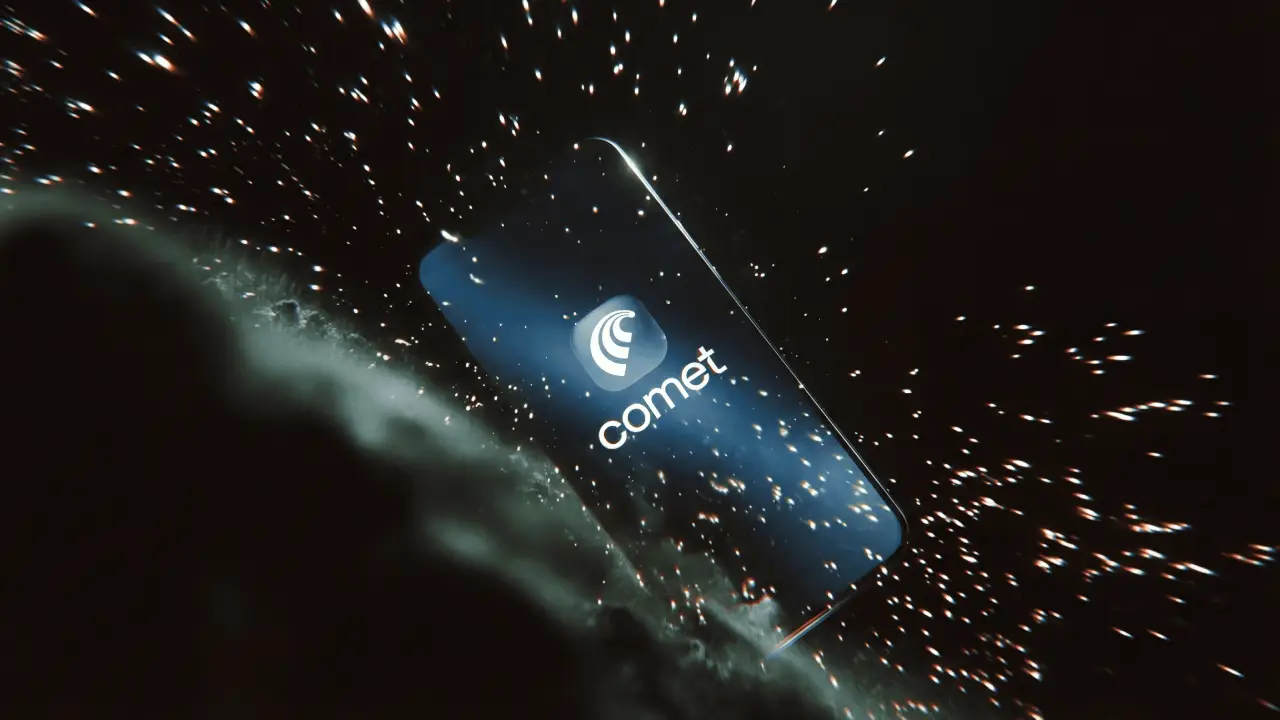
Perplexity just made its boldest move yet. With the Comet AI browser on iPhone, it’s no longer just helping you search; it’s reshaping how you experience the entire web.
The assistant now lives inside your browsing flow, cutting friction, saving time, and changing how you move through information on your phone.
Most mobile browsing still feels fragmented. You search, open multiple tabs, switch apps, and try to connect everything yourself. Comet aims to simplify that entire process.
What is the Comet AI Browser?
Comet is an AI-powered web browser made by Perplexity. With the Comet AI browser on iPhone, you can browse and get helpful, cited answers without switching between tabs.
It works like a regular browser, but an intelligent assistant is built right in. You can search, get instant summaries, and find accurate answers faster.
Comet is designed for agentic, assistant-driven search. It tries to understand what you’re looking for, checks multiple sources, and brings you the most useful information in one place. So you don’t have to open many pages. Everything stays simple, clear, and easy to use.
iPhone Launch and Availability
Comet launched on iPhone on March 18, 2026. The iPhone version was originally set to go live on March 11, but the team pushed the launch back by one week.
You can use it on any iPhone with iOS 18 or newer. Before coming to the iPhone, Comet was already available on Mac, Windows, and Android. Right now, there is no iPad version available yet.
Key Features That Stand Out
Comet is built around an AI-first browsing experience, where the assistant is central to how the browser works.
- Unified AI Search: One screen. Instant answers. Real sources. No more switching tabs to find what you already need.
- Smart Summaries: Reads lengthy articles and delivers a concise, straightforward summary, saving you from having to read the entire thing.
- Context-Aware Assistance: It responds to what’s on your screen. No setup, no context needed.
- Task Support: Helps you get things done, from booking hotels to sending emails and shopping, without switching apps.
- Conversational Browsing: Converts search into an ongoing engagement rather than a one-time query.
How Comet Is Different from Traditional Browsers
Traditional mobile browsers like Chrome or Safari mainly show web pages. Users have to click through links, compare information, and figure things out on their own.
Comet AI works differently. It brings these steps together, helping users find and understand information more easily while browsing.
Another key difference is how results are shown. Instead of a list of links like in regular search engines, Comet AI provides organized answers with context. This can save time and reduce the need to visit many websites, though it may also change how people interact with original sources.
How It Changes Everyday Browsing
Think about your usual workflow. You open several tabs, compare sources, and try to put everything together. Comet reduces that effort.
You ask one question, and the browser gathers information, summarizes it, and keeps everything in context. Instead of switching between tabs, the process stays inside a single tab.
For example, someone planning a trip might ask for hotel options, compare prices, and get a summary of reviews – all within one interface instead of opening multiple sites.
Similarly, students or professionals doing quick research could benefit from summarized content and cited answers without needing to scan several articles. Even routine tasks like comparing products or checking quick facts may become faster and more streamlined.
What this really means is that browsing becomes conversation-driven rather than tabs-driven. Less manual effort. More focus on getting to the answer.
The Bigger Shift
Browsers are no longer what they used to be, and Comet AI is a prime example. They have gone from simple page viewers to active assistants that actually help you out.
Perplexity is positioning Comet as a system that combines search, reasoning, and task support into one experience. It is especially useful for research-heavy workflows, comparisons, and multi-step queries that used to require juggling multiple tabs.
Limits of AI Browsing
Despite its advantages, AI-driven browsing comes with trade-offs. The accuracy of summaries and answers depends on how well the system interprets and prioritizes sources. Sometimes, it may leave out details or make complex topics seem too simple.
Privacy is also important. Because the assistant can access and use the content on your screen and respond to your questions, it may handle more of your data than a regular browser. It’s a good idea to check its permissions and understand how your data is used before relying on it too much.
Final Thoughts
Perplexity is not building a typical browser. It is rethinking how browsing works on a phone. The Comet AI Browser on iPhone combines AI-powered search, real-time summaries, and context-aware assistance in a single, easy-to-use interface.
It keeps everything connected and simplifies your workflow without promising full automation. If you spend time on your iPhone searching, reading, or getting things done, the Comet AI Browser is worth trying. It is free to download from the App Store.
You can also checkout prompt library to see more ways to use Comet.