


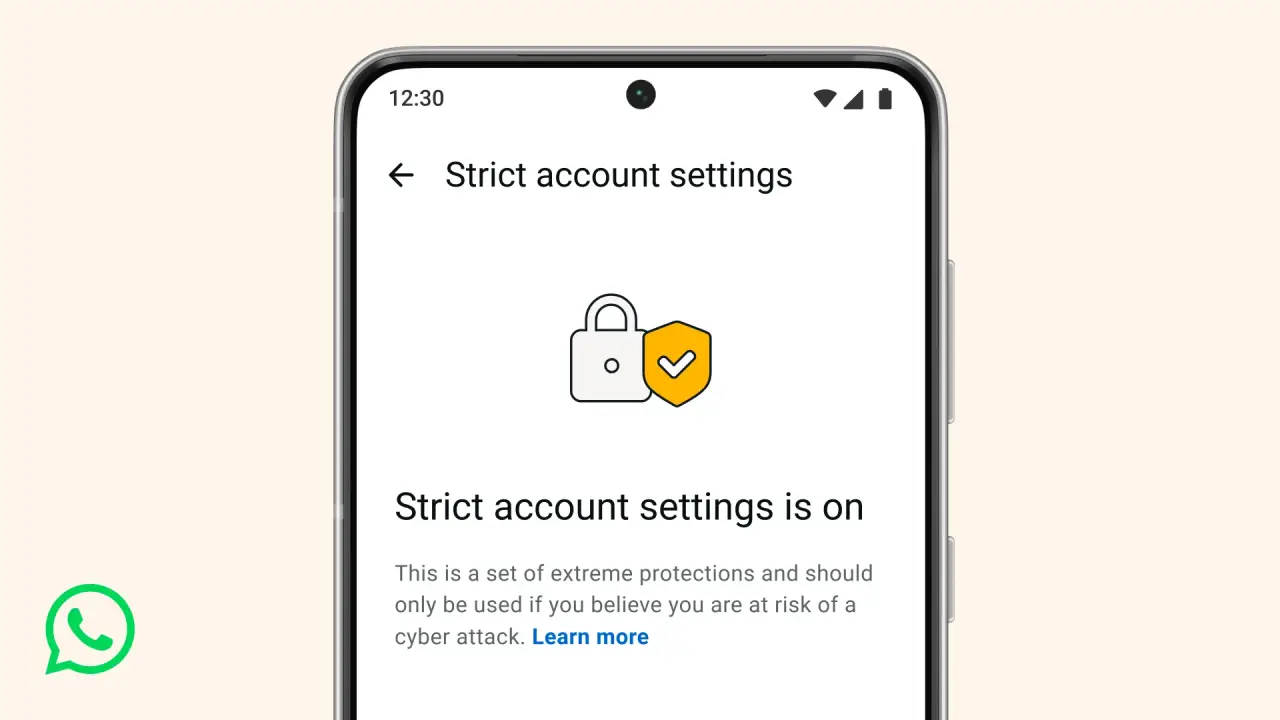
WhatsApp has added a new high‑security mode to keep users safer from online threats. This feature is called Strict Account Settings and lets people turn on several strong protections with one switch. WhatsApp High-Security Mode isn’t a normal privacy setting. It is made for people who could be targeted by attacks or spying.
This update is important because it helps users stay safe. Even if it makes some things a little slower, it can really keep your messages and personal information protected.
What Is WhatsApp High Security Mode?
WhatsApp’s Strict Account Settings give users a one‑tap high‑security option to protect their accounts. It puts several safety features together in one easy setting. When you turn it on, your account gets the strongest security possible.
This mode turns on automatically and helps protect your account from hackers. It acts like a shield that keeps strangers away from your chats, photos, calls, and other information. Your conversations stay private, and it adds another layer of protection.
What Strict Account Settings Actually Do
When Strict Account Settings is turned on, all the high-security protections activate immediately.
Core Protections
- Blocks media and attachments from unknown senders to stop malware or spyware from reaching your account.
- It blocks link previews so you won’t accidentally click on hidden phishing links.
- Calls from unknown numbers are muted to reduce scam risks.
- Unknown users are blocked from seeing your profile or sending group invites to prevent spam.
This mode is meant to stop problems before they happen, not just fix them later.
Who This Is For
Targeted at high-risk users:
- Journalists in volatile regions.
- Activists and human rights defenders.
- Public leaders and high-profile figures.
- Executives with sensitive data.
- Users who could be at risk of spyware attacks.
For these users, a single malicious message or attachment can create a serious risk. Strict Account Settings help lower that risk automatically.
How to Turn On Strict Account Settings
WhatsApp made enabling High Security Mode straightforward:
Open WhatsApp -> Settings -> Privacy -> Advanced -> Strict Account Settings
It’s a one‑click toggle. Once enabled, all applicable protections automatically apply across your account.
The feature is rolling out gradually, so you may not see it right away. Make sure you have the newest version of WhatsApp.
How WhatsApp Compares to Apple and Google
| Platform | Feature | Key Limits |
|---|---|---|
| Strict Account Settings (2026) | Disables most attachments, limits browsing, and calls on iOS/macOS. | |
| Apple | Lockdown Mode (2022) | Disables most attachments, limits browsing, and calls on iOS/macOS. |
| Alphabet’s (GOOGL.O) | Advanced Protection (Android) | Restricts new app installs and makes the account more secure. |
Meta joins the trend of giving users full control over high-risk security settings.
Why This Matters Now
Cyber threats today are quiet and clever, and they can hide in normal activity. Even a missed call, a clicked link, or a downloaded image could let hackers in.
Strict Account Settings stop harmful content before it reaches you. This is about preventing problems, not fixing them later. People at risk can turn on extra security to stay safer.
Final Thoughts
WhatsApp’s High Security Mode is one of the biggest privacy updates in years. It knows some people need extra protection and makes it simple to turn on without changing any settings.
If your chats are private or you’re at risk, enabling this extra security helps keep your messages safe. Stay alert, stay protected, and see how apps continue to improve online safety.