



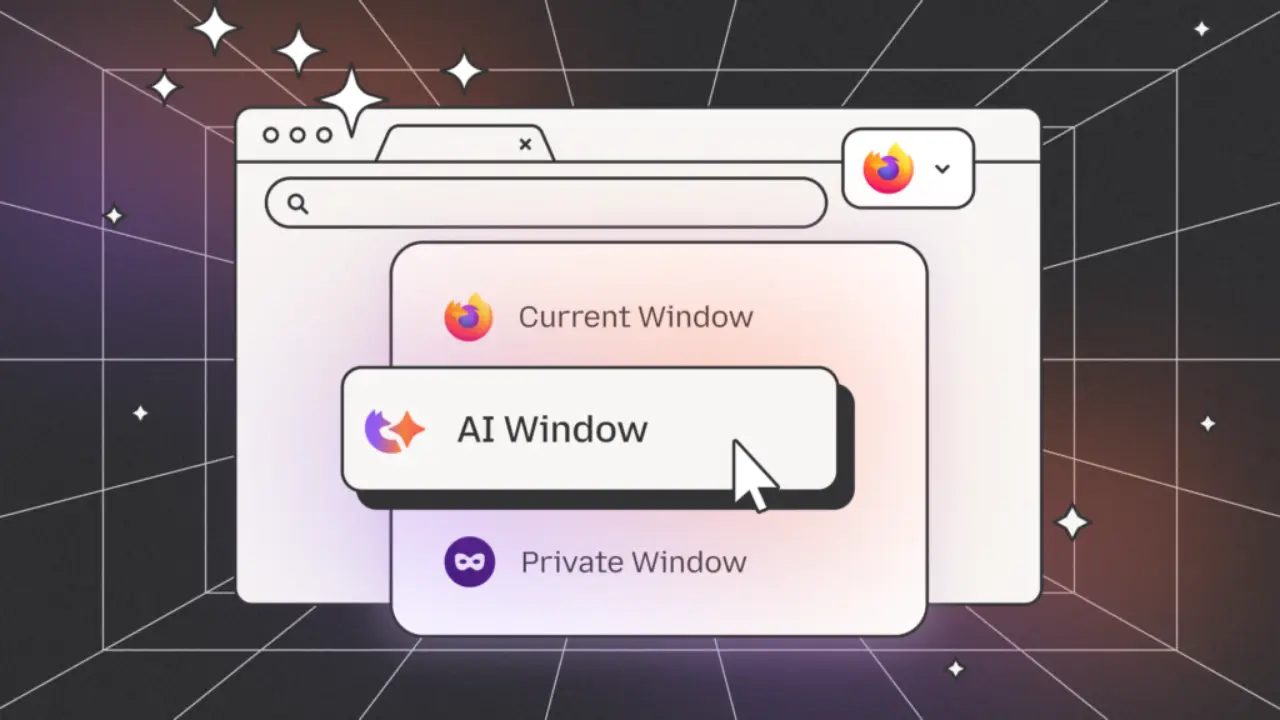
If you’ve been waiting for a browser that treats AI as something you choose rather than something pushed on you, Mozilla finally delivered. The company is rolling out its new AI Window in Firefox, a feature built around user control, privacy, and transparency.
From the early look available so far, it already feels like one of the most thoughtfully designed AI additions Firefox has introduced in a long time.
Why Does Firefox’s AI Window Stand Apart?
Most browsers are racing to pack in AI whether people want it or not. Firefox is choosing a slower, more thoughtful route. The new Mozilla AI Window sits in a clean sidebar and acts like a toolkit you can open whenever you need it.
You can send prompts, ask questions, or try handy features like Shake to Summarize, which turns long articles into something manageable without sending everything to outside servers.
The best part is choice. Firefox won’t tie you to one AI provider. You can switch models, compare them, or use an AI chatbot like Perplexity directly inside the Firefox AI assistant panel. It feels flexible instead of forced.
What Makes It Different?
Let’s break it down. Every part of the AI Window is optional, so nothing runs unless you switch it on. It feels more like a toolkit you use on your terms instead of another forced AI layer.
You can chat with Firefox, get quick summaries, or pull explanations from a page without sending everything to remote servers. Some models even work locally, showing Mozilla’s push toward private, lighter browsing.
How Could This Make Browsing Easier?
Once this update is available to all users, the AI Window could simplify how you browse every day. You might use it to:
- Turn lengthy pages into quick notes.
- Ask direct questions about what you’re viewing.
- Explore sources without juggling tabs.
- Compare different AI models side by side.
It turns AI for Firefox into something helpful and intentional rather than a background system tracking you.
What Still Needs Clarity?
To keep things realistic, some details are still missing. Mozilla hasn’t shared everything openly yet. What’s still partly speculative or incomplete:
- The final rollout timeline.
- Full list of supported AI providers.
- Complete rules for how data is processed.
- How on-device AI will behave for each model.
Since the feature is new, real user feedback isn’t available yet. Promises around privacy and on-device processing sound promising, but they’ll need testing across different regions and setups to confirm how well they hold up.
Why Mozilla’s Approach Feels Different?
Mozilla is doing something refreshing here. While other browsers push AI at you all the time, Firefox keeps it ready when you need it but quiet the rest of the time. It shows what’s actually possible: AI tools that let you choose instead of taking your information.
Final Thoughts
Curious about AI in browsers? This update explains what makes Firefox different. Mozilla is building tools that are useful without making you feel uneasy, which is why their AI assistant is worth paying attention to.
As more Mozilla browser updates roll out, the AI Window will only get smoother and more capable. If you want a browser that lets you choose the AI you rely on, Firefox is a solid place to start.