

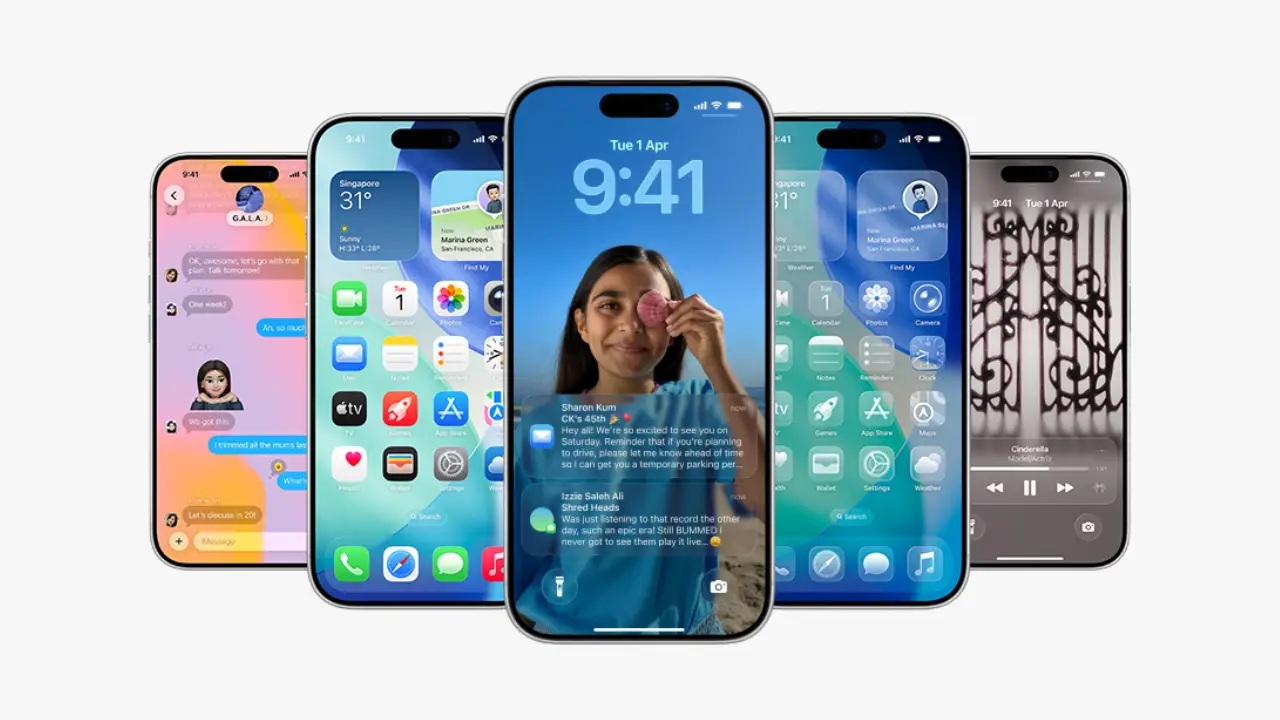
Apple introduced iOS 26.3 on February 11, 2026, bringing useful improvements rather than major announcements. This isn’t a major upgrade, though it’s definitely worth a look. You’ll get helpful upgrades including better tools for switching devices, improved privacy features, subtle design changes, and key security repairs.
What iOS 26.3 Actually Is?
Apple has added iOS 26.3 as the newest release in its iOS 26 series. While it doesn’t completely redesign the system, it makes your iPhone easier to use, adds helpful tools, and fixes security problems for better stability. Looking at the iOS 26.3 features can help you decide if you should update.
What’s New in iOS 26.3?
Easier Android Switch
Apple has added a feature in iOS 26.3 that makes switching to Android more straightforward. You can place your Android device next to your iPhone and move your photos, messages, notes, apps, passwords, and phone number/eSIM (where carrier-supported) directly through Settings.
This makes switching from iPhone to Android much simpler. With iOS 26.3, Apple aims to improve both security and overall device reliability.
Smart Wallpaper Improvements
iOS 26.3 reorganizes lock screen wallpapers by splitting the old weather and astronomy group into separate sections. The update separates the weather category, providing several live wallpapers and font styles to enhance personalization.
Privacy: Limit Precise Location
Users can now adjust privacy settings to restrict carrier access to precise location information. When enabled (on iPhones with Apple’s C1 or C1X modem), carriers only see a general area rather than your exact GPS coordinates. Emergency services are unaffected. Availability depends on carrier support.
EU-Focused: Third-Party Notifications
iOS 26.3 allows people in Europe to send notifications from their iPhone to non-Apple devices such as Wear OS watches. You control which apps share notifications. This change follows EU Digital Markets Act requirements.
Bug Fixes and Security
Apple has quietly fixed a number of bugs and security problems in this update. These fixes may seem minor, but they make sure your iPhone works well and your data stays safe.
Should You Update?
If you’ve been asking, “Should I update to iOS 26.3?” The answer is a definite yes. While not a visually bold update, iOS 26.3 strengthens your device’s foundation with fixes, smarter controls, and stability improvements.
- A simple cross-platform transfer tool for Android users.
- Better Lock Screen wallpaper organization.
- Greater control over location data shared with carriers.
- Third-party notification support in applicable regions.
- Crucial bug fixes and security patches.
For anyone using their iPhone for work, travel, banking, or communication, installing this update ensures better security and smoother performance.
How to Update?
- Open Settings.
- Tap General.
- Tap Software Update.
- Once iOS 26.3 is ready for your device, tap Download and Install.
Ensure your device is safely backed up and has at least a 50% charge before you begin.
Wrap Up
iOS 26.3 may not grab attention immediately, but it helps your iPhone run more smoothly every day. The update ensures smoother transfers to Android, easier wallpaper management, and stronger location protection.
The update fixes software problems and strengthens security, helping your device run more smoothly every day. For a smoother experience, it’s a good idea to install it. Download iOS 26.3 to keep your device running at its best.